The problem
Every new customer on HCP Training, our caregiver training platform, got a live walkthrough from a customer success manager. Then their caregivers needed help logging in. Then a new training manager started and needed the same walkthrough again. Our CSMs were giving the same tour of the same screens, over and over, to people who mostly needed it at 9 p.m. on a Sunday when nobody was available.
The walkthroughs were good! They just didn't scale, and they only helped whoever happened to be on the call.
My role
As Digital Engagement Specialist, I owned the self-service training experience end to end: figuring out what people actually got stuck on, designing the materials, building them, and measuring whether they worked.
What I built
Rather than one giant manual, I built layers, so people could get exactly as much help as they needed.
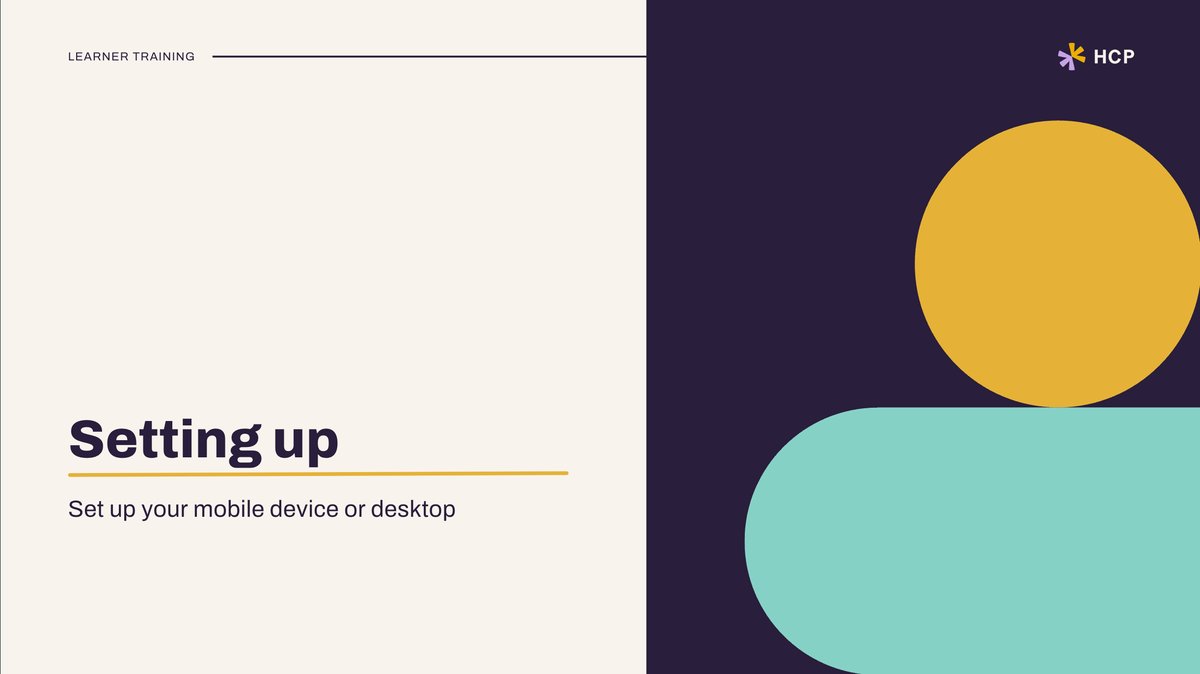
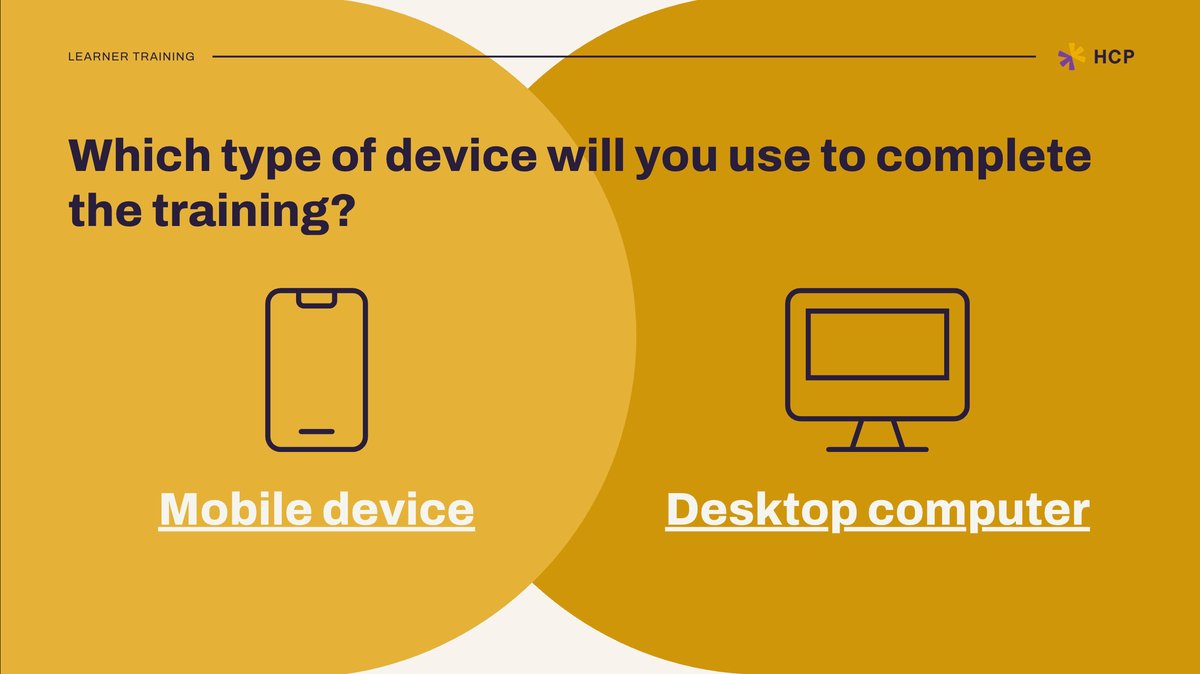
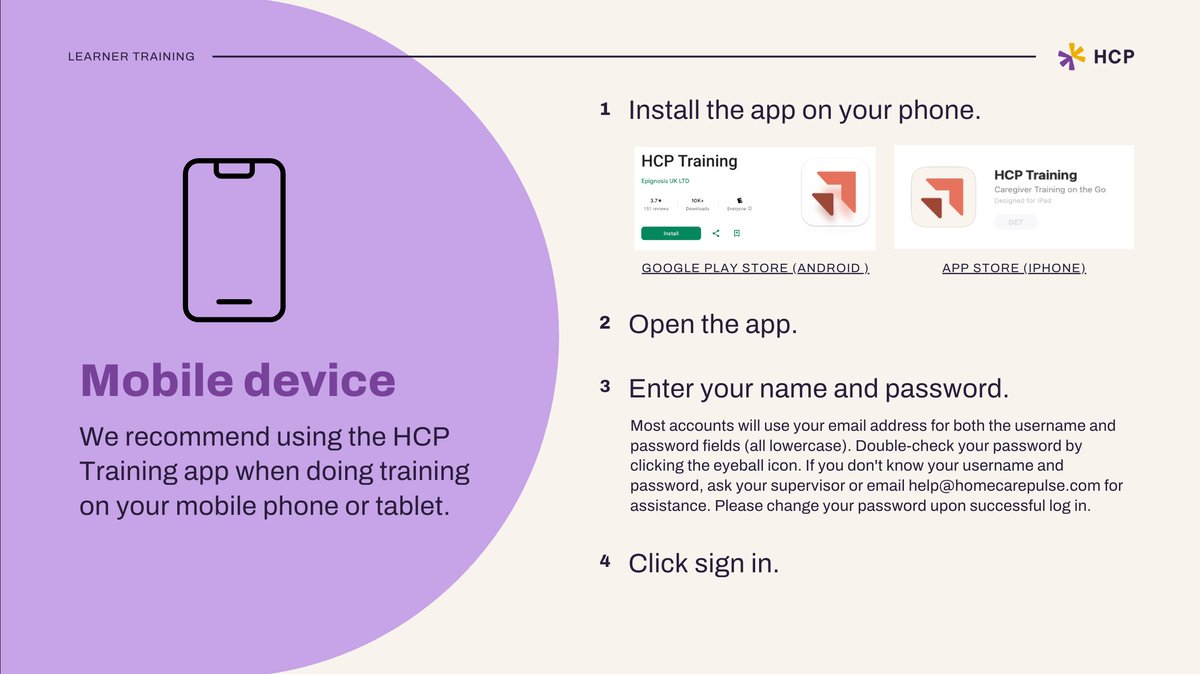
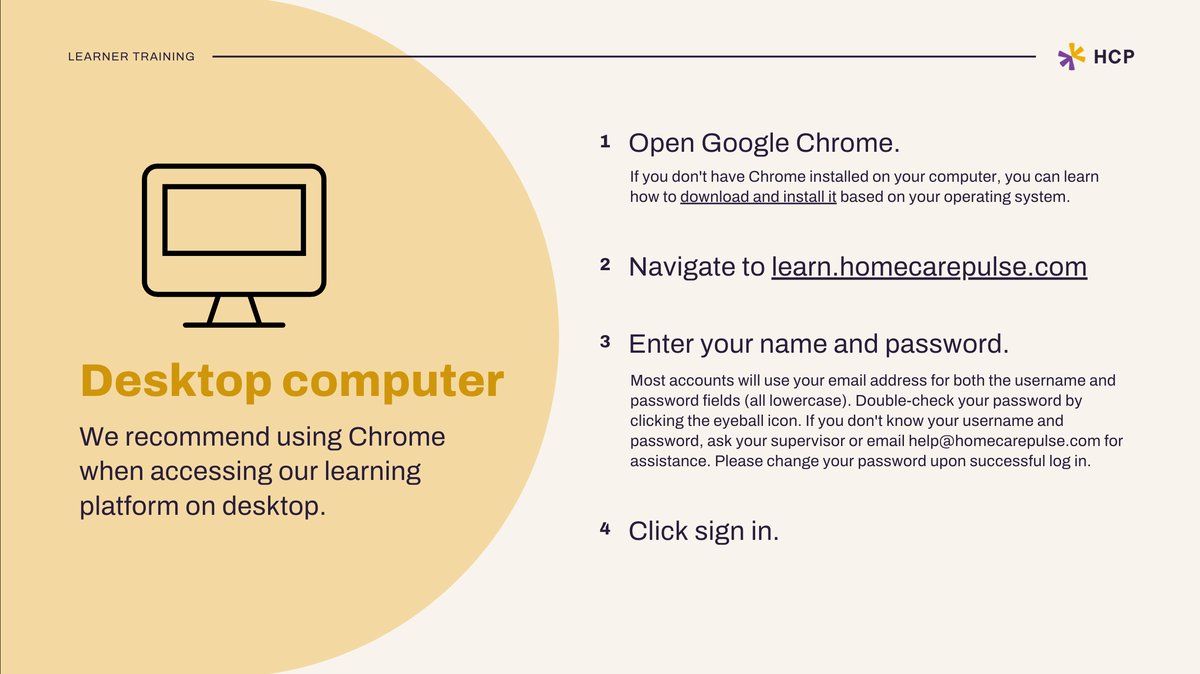
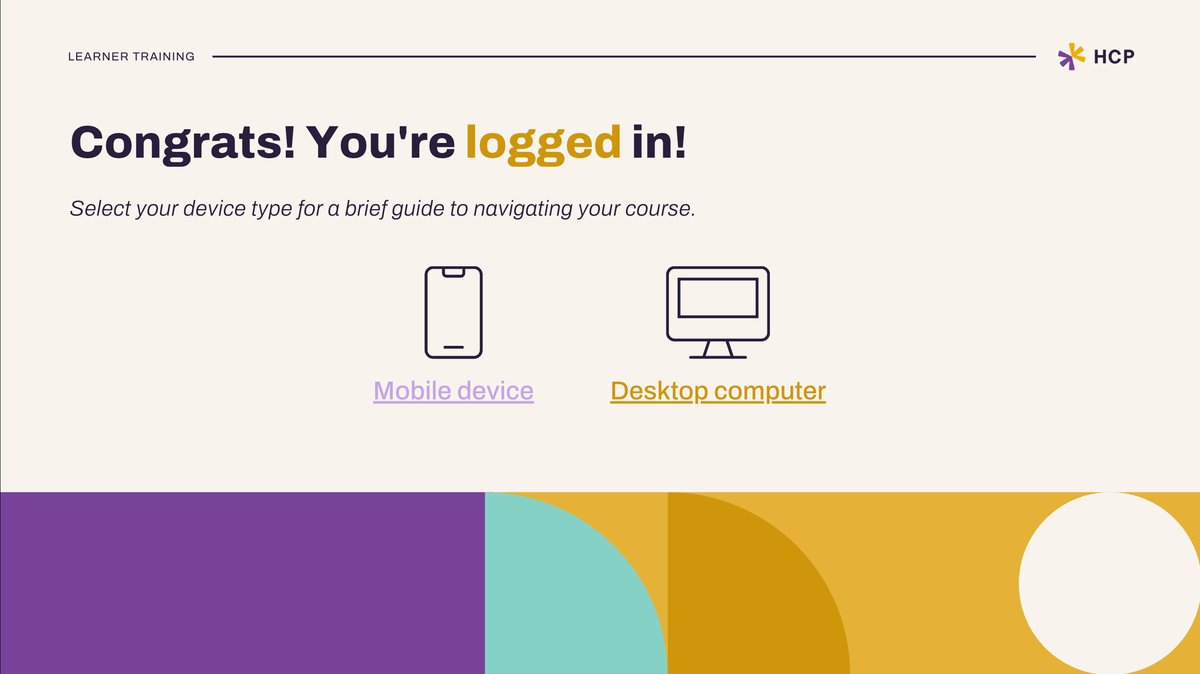
- Interactive onboarding courses in Canva, one for training managers and one for learners. They're click-through, with short embedded Loom videos showing the real platform. The learner course has a shareable link, so a manager can send it straight to their caregivers instead of explaining the login process forty times.
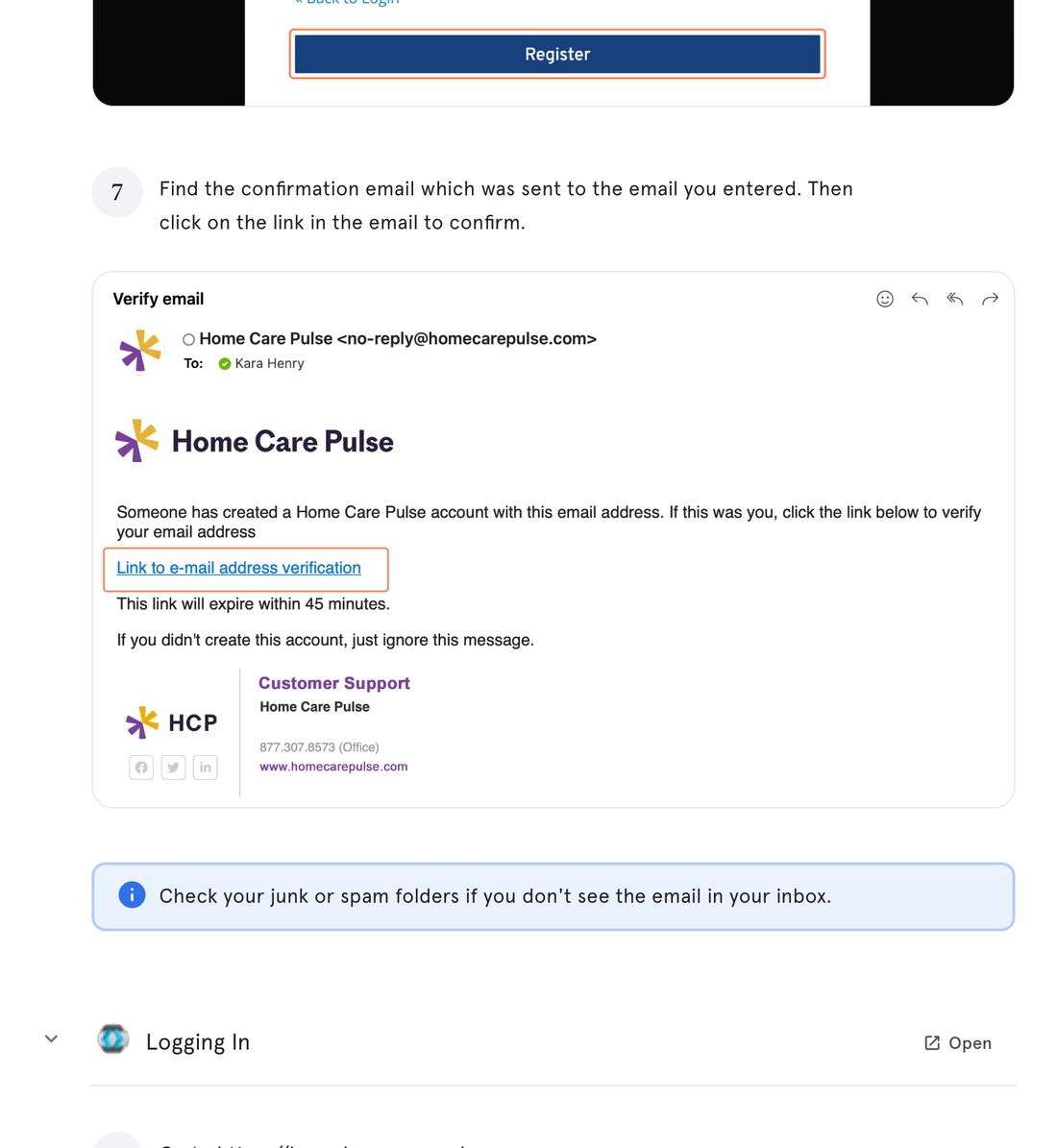
- Step-by-step guided walkthroughs in Tango for the moments people got stuck most, like registering and logging in on desktop or completing courses in the mobile app. Each one is 12 or 13 steps and can walk users through the task live.
- Help center articles to cover everything else, linked from the courses.
The organizing idea was that caregivers aren't sitting at desks. Many use the mobile app between client visits, so everything had to work on a phone and be short enough to finish in a few minutes.
To decide what to build, I looked at the help we were sending out most. Support reps worked from a document full of links to videos and knowledge base articles, and by far the most requested help came from training managers trying to onboard new caregivers, assign courses, and get everyone logged in. Login tickets were our highest volume, too.
So instead of sending a list of links to random videos and articles, I put the instructions in one place, in an order that actually made sense for onboarding. We hosted the course on the knowledge base and sent that link in response to every question it covered. Customers got used to visiting the knowledge base on their own, could find it again with a quick Google search, and could share it with new staff instead of submitting a ticket and waiting on us.
The result
Within 8 months, one-on-one training sessions dropped by 20%. For a CSM running five live trainings a month on this product, that's one of those customers now served by the course instead. CSMs got that time back for strategic account work instead of repeat tours of the dashboard. Customers got help on their schedule instead of ours.
Once we were sending the course regularly, customers kept telling us they hadn't realized we had such a rich library of help content. It had been there all along. They just finally knew where to look.